

How to Set Up & Manage Signals on Telegram
Before using the signals, you will first need to make sure you have Telegram installed, send us your username, and enable notifications on your devices.
Table of Contents
Installing on Multiple Devices
The signals will be delivered via a Telegram channel, which makes it super versatile since Telegram can be installed and run on various devices, including desktops, laptops, and various mobile devices.
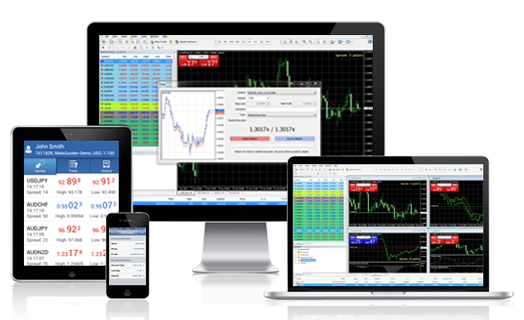
Once Telegram is installed on your mobile device, you can also use the web-based version of Telegram, or receive the signal notifications via your smart watch.
In short, the first step is to search out the app store on your phone and install Telegram.
Joining channel
In order for us to add you into our private channel where the signals are delivered, you will need to do 3 things:
- Create a username, which will look something like @yourusername
- Make sure your privacy setting allows other people to add you to channels
- Send us your username
Once we have received your Telegram username, we will proceed to add you into the private channel, usually within 24 hours.
Manage Notification settings
Once you are inside the channel, you will start receiving the signals, via Telegram notifications.
To ensure that you do so, make sure that on your phone settings, you have enabled Telegram notifications.
If you are an active trader, you can leave the notifications on to receive real-time updates, especially if you are using a smartwatch or have your phone with you all the time.
If you are not so active, and only want to check the channel 1-2 times a day, then you can “mute” the channel, so that you do not get too many notifications.
Want the daily routine? Enter your email for the free 15-Minute Swing Trader's Checklist.
Free, 5 pages, PDF. You get the checklist, then my occasional trading emails. Education only, not financial advice. Unsubscribe anytime.
Where your details go: Kit, our email provider, stores your email address in the United States. Our contract with Kit lets it use your address only to send our emails, and requires Kit to keep it secure. The United States has no national privacy law like Singapore's, so that contract is the main protection. More in our privacy policy.
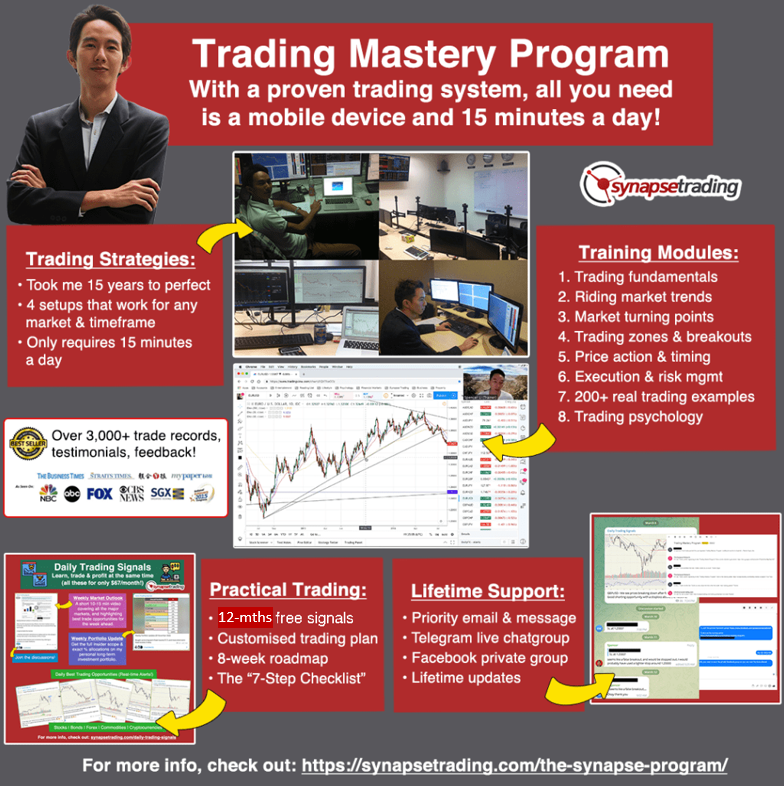 Our flagship mentoring program is suitable for both beginners and advanced traders, covering the 4 strategies which I used over the past 15 years to build up my 7-figure personal trading portfolio.
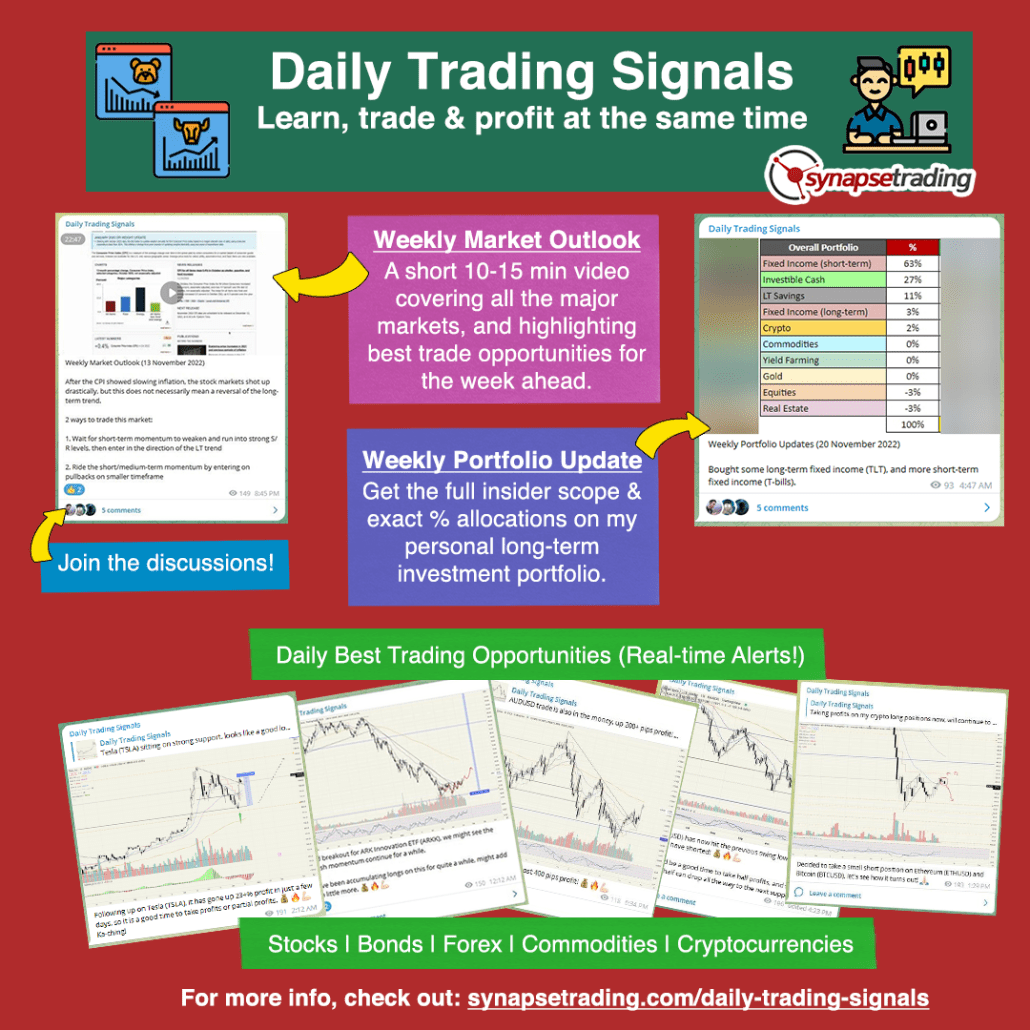 If you're looking for the best trading opportunities every day across various markets, and don't want to spend hours doing the research yourself, check out our private Telegram channel!


Leave a Reply
Want to join the discussion?Feel free to contribute!